
What it is
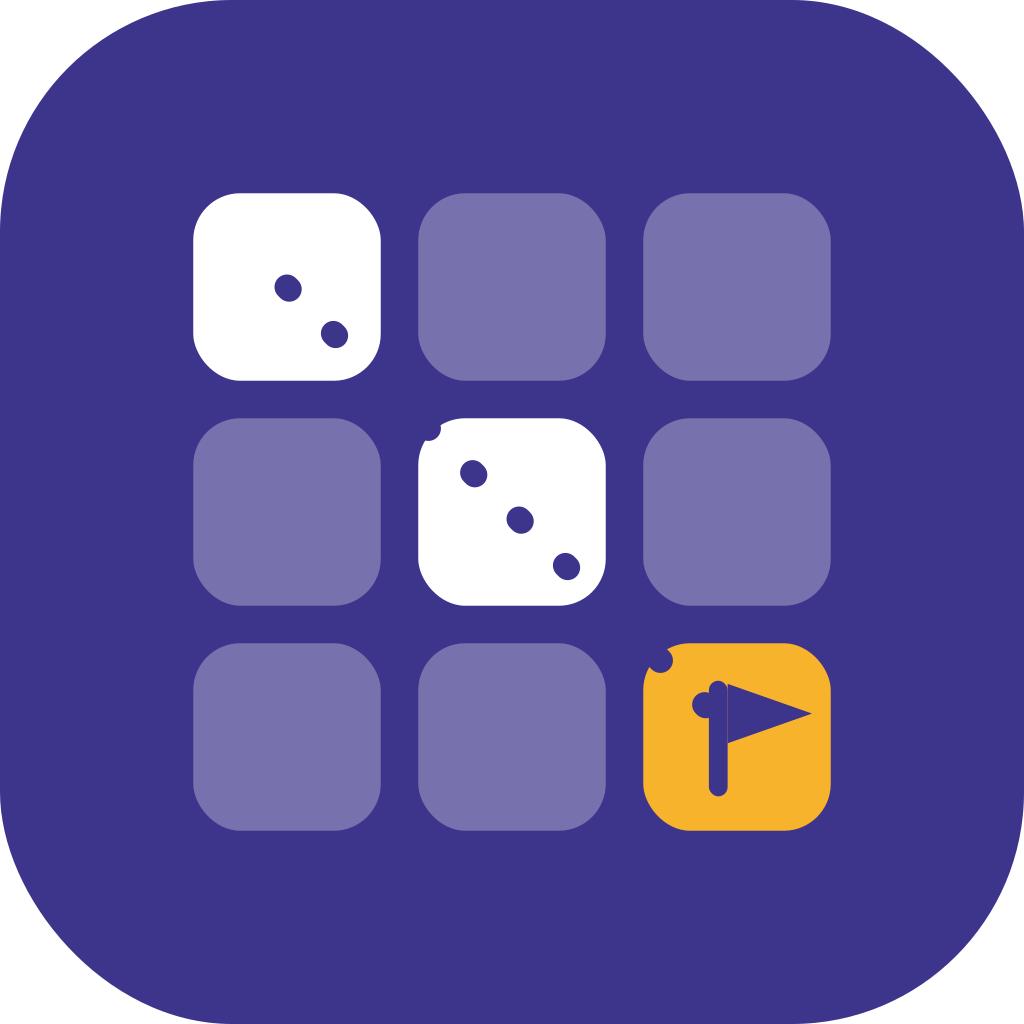
A choice board is a 3×3 (or 4×4) grid of activities, all aligned to the same standard, organized by Depth of Knowledge: recall, skills & concepts, and strategic thinking.
Students pick a path across the board (any three, tic-tac-toe style, or teacher's rules). Every tile lands on the target, so choice never means "some kids skip the standard."
- DOK 1, recall & basics (left column)
- DOK 2, skills & concepts (middle)
- DOK 3, strategic thinking (right)
- Student choice, pick any 3 across rows/columns.
- Same standard, every tile lands on the target.
Why it works
Students who pick their entry point stay on task longer and revise more willingly, even when the standard is non-negotiable.
DOK 1 tiles let strugglers get moving; DOK 3 tiles keep fast finishers thinking, not just doing more of the same.
Drawing, writing, speaking, building, the same standard shows up in modes students can actually show what they know in.
When to use it (and when not to)
- Practice weeks when the class has learned a skill and needs reps.
- Novel or unit study, spread across several days.
- Review before an assessment (pick 3 across tiers).
- Sub plans, self-directed, low-prep, high-rigor.
- Early finishers who need a rich extension, not busywork.
- First exposure to a brand-new skill, teach it first, then choice-board it.
- Single 15-minute warm-ups, the setup cost outweighs the payoff.
How to run it
- 1Generate the board with QuestBoard, using your grade, standard, and topic.
- 2Launch with Present Mode on the projector, walking students through each tile, then flip to the 'What good work looks like' slide so the whole class sees the rubric before anyone starts.
- 3Preview the rubric together: 3-4 criteria in student voice, plus the 🌟 stretch goal (what a level 4 looks like). This is where the rubric fits, up front, not stapled to the back.
- 4Assign the rules: how many tiles, from which rows/columns, over how many days.
- 5Work time, students open the share link (or paper packet), use the Work Pages to capture thinking, and self-assess on the same 1-4 rubric before turn-in.
- 6Turn-in, collect the Work Pages digitally or print the student packet.
- 7Grade with the Mastery Tracker, tap cells as you review to see class-wide patterns anchored to the same rubric.
Ready to try one?
You'll have something classroom-ready in about a minute.
Generate your first choice board →